From Clicks to Conversations - Measuring First-Party AI Agents
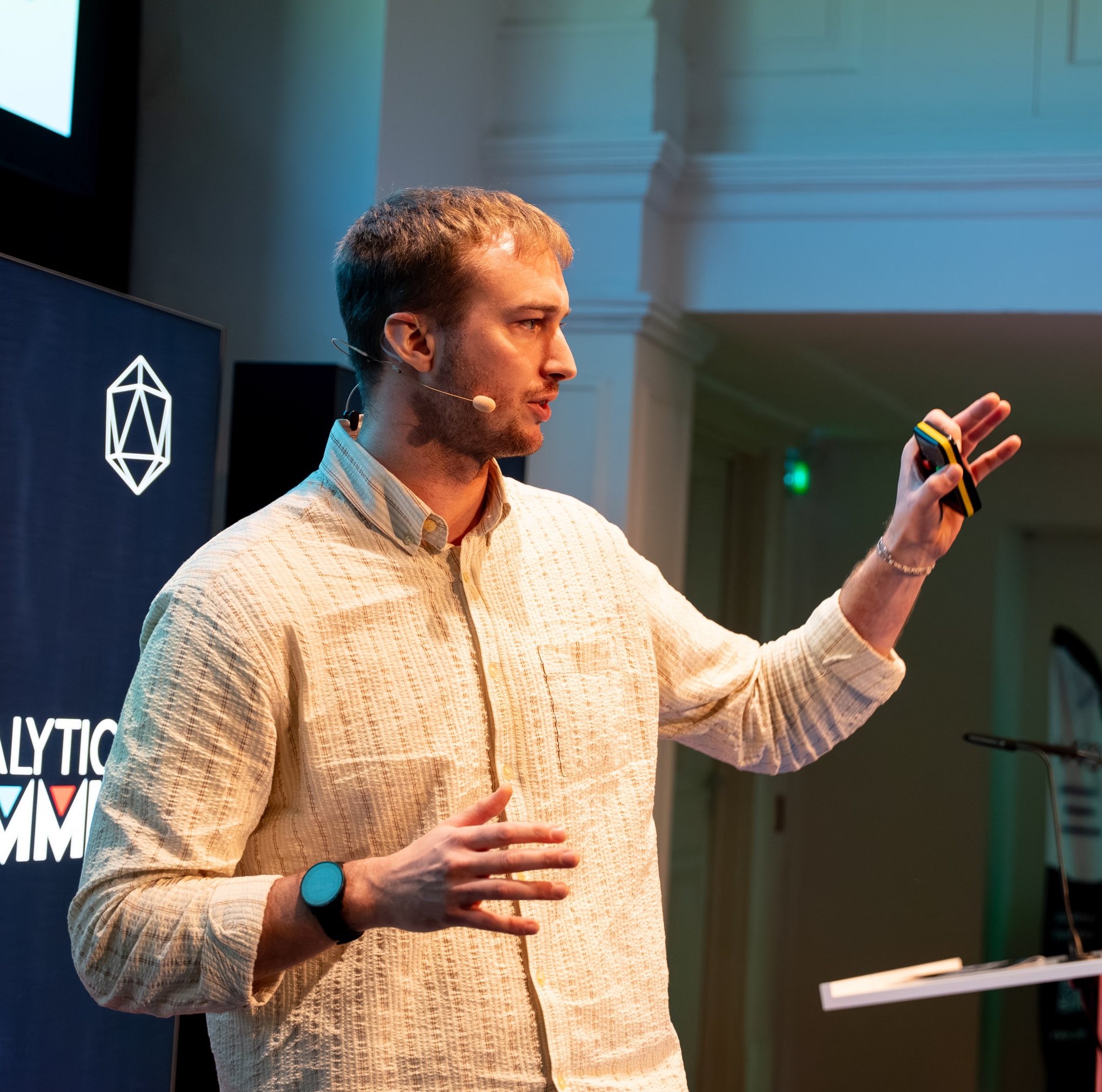
On April 29th, my colleague Mark Edmondson gave a talk at the AnalyticsDev conference titled “Analytics for AI Agents - From Pageviews to Prompts.” One of the statements from his talk stuck with me: “The most valuable digital analytics data in your organisation isn’t captured by your website tags. It’s now in the AI chatbot logs. And you’re probably giving it away.” That line stayed with me, because while Mark was building the conceptual framework for his presentation, I see my clients asking for solutions related to this problem.
For years, we’ve been inferring user intent from heatmaps, scroll depth, and click paths. Then one day, a chatbot on a website logs the following prompt: “I need a man’s blazer for a job interview on Thursday. Do you have it in navy or charcoal in a size XL, and can it arrive before then?” And just like that, the user told us everything. Purchase urgency, the occasion, style preference, a specific size, and a delivery concern. These are six “custom user properties”, written by the user themselves, in a single sentence.
In this post I want to talk about what changes when your website has a conversational AI agent, what doesn’t change, and how you actually instrument and analyze it on the marketing analytics stack you already own.
Why should marketers care about 1st-party agents (and not just engineers)?
Before diving in, let’s get the definitions straight. Back in February, I saw Snowplow’s Jordan Peck and Jon Su presented their thinking on agent analytics at Superweek in Hungary. Their piece on Sowplow’s blog “Introducing Agent Self-Tracking - A New Approach to Measuring First-Party Agent Experiences”,is a write-up of that very talk and lays out three broad categories of AI agents: 1st-party agents (the ones you build and embed on your own properties), 3rd-party agents (like ChatGPT or Perplexity that might surface your brand), and back-office agents (internal automation). In this post I’d like to exclusively focus on the first category: First-party agents. If you’re interested in the other categories, too, I recommend checking out their blog post for the full taxonomy.
Currently, most of the existing conversation around measuring first-party AI agents is engineering-dominated. Tools like LangFuse and various observability dashboards are built for ML engineers who care about token latency, model drift, and trace debugging. That’s important work, but I see the marketing-analytics conversation around these data points barely happening. What are users actually asking about? What is the users’ intent? Which conversations correlate with high-value customers? These are the questions that matter to anyone responsible for revenue, and they’re the gap I want to help fill.
What didn’t change: your analyst mental model still works
During his talk, Mark mentioned something reassuring (that’s at least how I perceived it): If you’ve spent years thinking about digital analytics, most of your mental models transfer directly to the brave new world of AI agents. So, while the vocabulary changes, the underlying questions and concepts don’t necessarily.
| Traditional Digital Analytics | Agentic Equivalent | What’s the same |
|---|---|---|
| Event | Tool calls, UI interactions | The unit of action. Aggregated, filtered, segmented. |
| Sessions | Traces | What one user did in one visit. Traces just have more branching. |
| Conversion rate | Task success rate | Same question, different success criterion. |
| Bounce rate | Hallucination & retry rate | “User left unsatisfied,” renamed. |
| Custom dimensions | LLM-as-judge scores | Still tagging events with attributes, but the tagger is now an LLM. |
| BigQuery | BigQuery | The warehouse didn’t move (obviously doesn’t have to be BQ). |
The schemas widen, data becomes more unstructured, but the questions you ask and the tools you apply to answer them don’t change at their core. Therefore, the conceptual leap is smaller than it appears at first glance.
What did change: prompts are intent, in plain language
This is the part that is genuinely new to most of us. Clicks tell you what users did. Prompts tell you what they were thinking - given away freely, expressed in their own words. Including the parts of their thought processes that could never be caught with traditional UIs to begin with.
 Exemplary Chatbot for Online Retailer
Think back to the example from the introduction: “I need a man’s blazer for a job interview on Thursday. Do you have it in navy or charcoal in a size XL, and can it arrive before then?” A traditional analytics setup would maybe capture product page visits, item view events, and some scroll events. The prompt alone captures six distinct analytical signals in one sentence:
- Occasion: job interview
- Purchase urgency: high (Thursday deadline)
- Style preference: navy or charcoal
- Size: XL
- Delivery concern: needs it in time
- Decision stage: ready to buy, pending confirmation
A single prompt can carry more analytical signal than an entire “pre-chatbot” session your analytics system. And I’m not exaggerating here, it’s simply a structural property of conversational interfaces.
In comparison to nicely structured events, prompts have a downside though. Text is messy, multi-topic, and potentially PII-heavy. Turning unstructured conversation logs into something you can actually query and segment requires deliberate effort and is a real engineering problem. More on that in the sections below.
How to implement it on the stack you already have
Based on the above, I’d like to suggest an architecture, which takes advantage of an exiting GA & GCP setup by reusing existing components or building on top of them.
 Architecture for measuring 1st-party AI agents with GA and BigQuery
We can break it down into four components:
1. Web Client → GA (client-side layer)
Standard dataLayer events. Nothing new, nothing exotic. Think of your chat_opened, chat_closed, message_sent, and potentially ecommerce events for products displayed and clicked directly in the chat interface. These fire like any other GA event and give you the engagement metrics: how many users interact with the chatbot, how long conversations last, which products they are exposed to, and whether chat users convert at different rates than non-chat users. Essentially, anything that you find valuable and is exposed to the frontend can be captured here.
2. BigQuery export of conversation logs (the new dataset)
The conversation transcripts themselves, e.g. the raw prompts and responses, get exported to BigQuery as a separate dataset. This is genuinely new. It’s not something GA was designed to hold, and you shouldn’t try to force full conversation text into event parameters. Let BigQuery do what BigQuery does best: store, query, and aggregate large volumes of semi-structured data.
| conversation_id | timestamp | client_id | session_id | role | message_text | tokens |
|---|---|---|---|---|---|---|
| conv_a8f3d1 | 2026-05-07 09:14:02 UTC | 1891216047.1770370676 | 1770370676 | user | I need a man’s blazer for a job interview on Thursday. Do you have it in navy or charcoal in XL? | 28 |
| conv_a8f3d1 | 2026-05-07 09:14:04 UTC | 1891216047.1770370676 | 1770370676 | assistant | We have the Milano Slim Blazer in both navy and charcoal in size XL. With express shipping it can arrive by Wednesday. Would you like to see both options? | 41 |
3. User intent extraction
This is where it gets interesting. The raw conversation logs from step 2 are unstructured text. These are useful for reading, but not for querying or segmenting at scale. The goal of this layer is to transform that text into structured columns that behave like custom dimensions in GA. In their article, JJordan and Jon had the agent sent the “aggregated” events straight to Snowplow, we’ll log the the raw data first to have more flexibility analyzing these later.
Two techniques do most of the heavy lifting here. First, LLM-as-judge: a cost-effective model (e.g., Gemini Flash) runs over each conversation and returns structured JSON, e.g., intent, sentiment, objection type, resolution status. This is your “custom-dimension factory”. Second, embedding clusters: instead of pre-defining segments, you generate vector embeddings for each prompt and cluster them by semantic similarity. Groups of similar prompts emerge naturally, e.g., a “delivery concerns” cluster, a “returns policy” cluster, a “size availability” cluster. All of this without any upfront labelling.
The output of this layer is a structured table in BigQuery, joined back to the raw logs via conversation_id, ready to be forwarded to GA in step 4. More detail on both techniques in the analysis section below.
4. Measurement Protocol or Data Manager API → GA
Server-side hits via the Measurement Protocol or the Data Manager API express the agent’s lifecycle events as well as the users’ properties extracted from the conversation logs.
Use the client_id and session_id to tie your users’ web events and the Measurement Protocol events together. The result: a unified view where you can correlate what users did on the site, what the agent did behind the scenes, and what the user actually said and was thinking.
The elegant property here is that every analyst on the team already knows GA and BigQuery (or whatever your tools of choice are). There’s no new tool to learn for the analysis side.
How to analyze and enrich conversation data at scale
Now, let’s doubleclick on some of the more interesting parts of the overall pipeline:
- Once the conversation logs are in BigQuery, how do you actually turn them into structured data compatible with your analytics tool?
- And how do can we feed this data back into the analytics tool?
Embedding clusters
Group prompts by semantic similarity using text embeddings. Instead of predefined segments, you discover them: a “pricing” cluster, a “how-to” cluster, a “delivery” cluster. This is unsupervised machine learning: The data tells you what users are talking about, rather than you pushing your assumptions onto the data in advance (same approach as for data-driven attribution). You can generate embeddings using BigQuery’s AI.GENERATE_TEXT_EMBEDDING function or via a model call using remote Cloud Functions.
LLM-as-judge
Use a cost-effective model (e.g., Gemini Flash) to tag every prompt (or the conversation as a whole) with structured attributes: intent, sentiment, resolution status, objection type (similar to rules-based attribution). Run it as a scheduled BigQuery remote function or as part of your Dataform pipeline. The output: structured columns sitting right next to your unstructured text.
Here’s what that this could look like in practice:
SELECT
  AI.GENERATE(
    CONCAT(
      'Classify this customer prompt. Return JSON with keys: ',
      'intent (question|complaint|purchase_intent|comparison), ',
      'sentiment (positive|neutral|negative), ',
      'objection_type (price|complexity|trust|none). ',
      'Prompt: ', 'I am looking for the new Adidas sneaker. Do you offer it at a competitive price and what are the return TOCs. Show me pictures of the sneaker in black.'
    ),
    endpoint => 'gemini-2.5-flash',
    model_params => JSON '{"generation_config":{"thinking_config": {"thinking_budget": 0}}}'
  );
Where you’d previously tag events manually in GTM, an LLM now tags conversations at scale:
| result | full_response |
|---|---|
{"intent": "purchase_intent", "sentiment": "neutral", "objection_type": "price"} |
{"candidates":[{"content":{"parts":[{"text":"..."}],"role":"model"},"finish_reason":"STOP"}],"create_time":"2026-05-07T06:40:38Z","model_version":"gemini-2.5-flash","usage_metadata":{"candidates_token_count":37,"prompt_token_count":80,"total_token_count":117}} |
Note: If you only need to classify along a single dimension (say, intent only), BigQuery’s
AI.CLASSIFYfunction is a cleaner and potentially cheaper alternative. It accepts a list of custom categories, structures the prompt automatically, and even supports few-shot examples. For multi-attribute classification like the example above,AI.GENERATEwith structured output remains the right tool. In general, please be aware that BQ’sAI.*functions can be become expensive very fast if applied to large datasets. So, be mindful of pre-processing and frequency of these function calls.
Using the Measurement Protocol or Data Manager API to send classification results to GA
Once your LLM-as-judge job in BigQuery has tagged a conversation with structured attributes, the next step is to get those signals into GA, so you can segment audiences, build reports, and activate them in Google Ads. The Data Manager API is the server-to-server mechanism designed exactly for this.
Heads up: As of writing, GA support in the Data Manager API is available via allowlist only. You need to apply for access before you can send events to a GA property. Read the official announcement for more context on what’s supported.
Here’s an exemplary Python function that sends a classified conversation back to GA after the BigQuery classification step, using the official google-ads-datamanager client library. The client_id bridges the server-side event back to the user’s original web session:
from google.ads import datamanager_v1
from google.oauth2 import service_account

# Authenticate with a service account — no per-property API secret needed
credentials = service_account.Credentials.from_service_account_file(
    "service-account-key.json",
    scopes=["https://www.googleapis.com/auth/datamanager"],
)
client = datamanager_v1.IngestionServiceClient(credentials=credentials)

# Build the event — client_id bridges the server-side hit to the user's web session
event = datamanager_v1.Event(
    client_id="1891216047.1770370676",
    event_name="chatbot_conversation_classified",
    event_source=datamanager_v1.EventSource.WEB,
    additional_event_parameters=[
        datamanager_v1.EventParameter(parameter_name="conversation_id", value="conv_abc123"),
        datamanager_v1.EventParameter(parameter_name="intent",          value="purchase_intent"),
        datamanager_v1.EventParameter(parameter_name="sentiment",       value="neutral"),
        datamanager_v1.EventParameter(parameter_name="objection_type",  value="price"),
        # ...
    ],
)

# Point the request at your GA property and measurement ID
GA_account = datamanager_v1.ProductAccount(
    account_type=datamanager_v1.ProductAccount.AccountType.GOOGLE_ANALYTICS_PROPERTY,
    account_id="YOUR_NUMERIC_PROPERTY_ID",
)
request = datamanager_v1.IngestEventsRequest(
    destinations=[datamanager_v1.Destination(
        operating_account=GA_account,
        login_account=GA_account,
        product_destination_id="G-XXXXXXXXXX",
    )],
    events=[event],
    consent=datamanager_v1.Consent(
        ad_user_data=datamanager_v1.ConsentStatus.CONSENT_GRANTED,
        ad_personalization=datamanager_v1.ConsentStatus.CONSENT_GRANTED,
    ),
    validate_only=True,  # flip to False for live ingestion
)

response = client.ingest_events(request=request)
A few things worth noting:
client_idformat matters. Strip theGA1.X.prefix from the raw_gacookie value before passing it in. If you’re running a first-party / server-side tagging setup with anFPIDcookie, URL-decode the value and strip theFPID2.2.prefix instead. Either way, cross-check against theuser_pseudo_idfield in your GA BigQuery export to confirm they match.session_idties the server-side event to a specific session in GA, enabling sessionised analysis alongside your client-side events. Read it from the_ga_XXXXXXsession cookie or your BigQueryga_session_idevent parameter.conversation_idis your join key back to the full transcript in BigQuery for deeper analysis.- Consent must be set explicitly. The
Consentobject maps directly to your user’s consent state. Only passCONSENT_GRANTEDif you have a valid consent signal from your CMP. - Keep
validate_only=Trueuntil you’ve confirmed the payload is accepted without errors, then flip it toFalsefor live ingestion. - The Data Manager API accepts up to 2,000 events per request — batch your BigQuery results accordingly rather than calling it row-by-row.
event_timestampmust be within the last 72 hours; run your classification jobs frequently enough to stay within that window.
What this unlocks (and what to be careful about)
The opportunities
When you combine traditional digital analytics with conversation data, several powerful use cases emerge:
- Real intent data for audience building: Build audiences from what users said, not what you inferred from clicks
- True attribution for chatbot interactions: Measure conversion lift of chat sessions vs. control sessions with proper holdout groups
- Surfacing unmet demand: Prompts the agent couldn’t satisfy are a goldmine for product and content teams
- Signal engineering for ad platforms: Which chatbot conversations correlate with high-LTV customers? Feed that signal back to your bidding models.
The caveats
One word of caution before you’re getting too excited: As always, there’s real challenges you need to address before going live. See the below for the most common ones:
PII is everywhere. Chat transcripts contain names, email addresses, and sometimes sensitive personal information by default. Strip or hash PII before logging to BigQuery. And absolutely do not ship raw transcripts to ad platforms. Run a PII detection pass (regex-based for structured PII, LLM-based for contextual PII) as part of your ingestion pipeline.
Consent must come first. If conversation logs land in BigQuery, you need a clear consent posture. This connects directly to your Consent Management Platform implementation. You have to make sure the user’s consent state is captured and encoded in the data before you process or activate it. Conversation data is arguably more sensitive than clickstream data, so please, please err on the side of caution here.
Cost adds up. Every LLM-as-judge call has a token cost. Use cheap models, batch your classification jobs, and sample where full coverage isn’t necessary.
Where does this fit in the bigger picture?
As you can see, your mental model for digital analytics already holds a bunch of useful tools for the measuring of first-party agents. Some data points are genuinely new though and require some extra work to extract real value from them.
Currently, I see most teams being stuck at the Collection layer. Meaning they’ll say “we have logs somewhere” or maybe not even that. The real opportunity is to progress to Architecture (structured schemas, stitching, consent) and Activation (feeding conversation signals back into marketing platforms and product decisions). That’s where the value is actually realized.
This is how it’s always been, the fundamentals didn’t change really. If you’ve built measurement systems for websites, you already have the skills to build them for conversational AI. The schemas are wider, the data is richer, and the signal is more direct - but the analytical discipline is the same one you’ve been practicing all along.
Feel free to reach out if you want to explore how this could work for your own AI agents. I’m always happy to chat (pun fully[!] intended).